Best Booking System for Hair Salons in Singapore (2026)
24 October 2026 · 7 min read
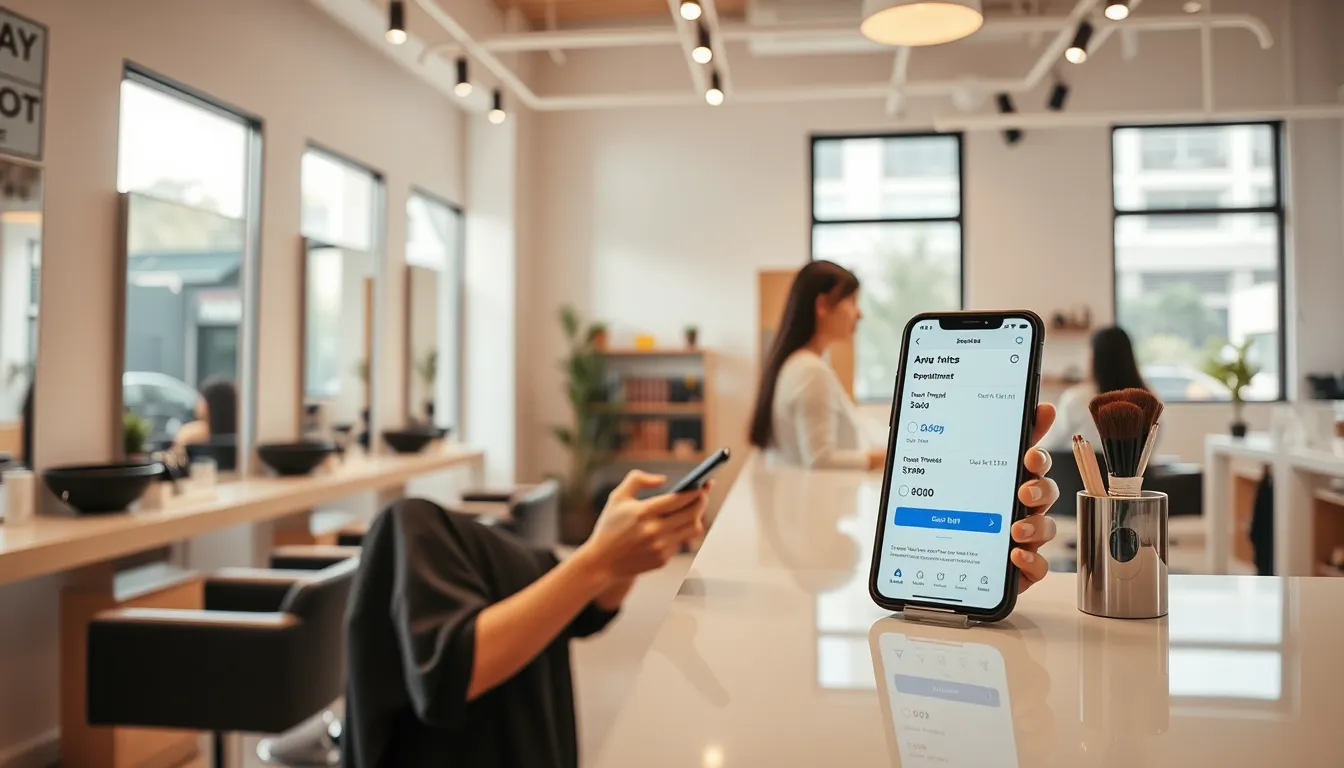
Running a hair salon means your hands are never free. You are mid-colour, your junior is on a blowout, and three WhatsApp messages just came in asking about Saturday slots. If that is your Saturday morning, this guide is for you.
Choosing the best booking system for hair salons in Singapore is not about picking the one with the longest feature list. It is about finding something that fits how your clients already behave, handles the chaos of a busy week, and does not create new admin in the process.
Here is a clear-eyed look at what matters, what does not, and how to decide.
Why WhatsApp Alone Is Not Enough
WhatsApp is how Singapore clients talk to businesses — full stop. Your regulars feel comfortable messaging you, and you should keep that channel open. But using WhatsApp as your only booking tool has a real cost.
Every booking that lives only in a chat thread has to be manually entered somewhere else, chased for confirmation, and then chased again as a reminder. If you have two or three stylists and a full week of appointments, that is an hour or more of back-and-forth you are personally managing — usually at night, after a long day on your feet.
A sensible setup keeps WhatsApp for conversation and uses a booking link for the actual slot. The client taps your link, picks a stylist and service, and gets a confirmation straight away. Reminders go out automatically. You wake up the next morning and the schedule is already set.
What a Good Salon Booking System Actually Does
Before you look at any tool, get clear on what your salon needs. Not every feature matters to every business. Here is a practical checklist.
The essentials for a hair salon:
- Clients can book without downloading an app or creating an account — friction kills conversions
- Stylist-level scheduling, not just a single shared calendar
- Services with accurate durations so back-to-back bookings do not overlap
- Automated reminders before the appointment (email at minimum, WhatsApp if possible)
- A record of each client's visit history, preferences, and any notes (colour formulas, sensitivities)
- Easy rescheduling and cancellation so clients do not just ghost you
- A waitlist for when slots fill up — especially useful during CNY, Hari Raya, and school-holiday peaks
Nice to have, but check they work properly:
- First-visit promotions and compare-at pricing (promo) that appear natively, not hacked into the service name
- Multi-service bookings in one flow (colour + treatment + blowout)
- A no-show risk score so you can spot which bookings need a manual confirmation call
- An "any available" option that balances load across your team automatically
Red flags to watch for:
- Key features locked behind a higher tier with no clear pricing
- No way to export your own data
- Hosted outside Singapore — relevant for client data privacy and load times
Comparing Approaches: What Salons Typically Use
| Approach | What works | What breaks down |
|---|---|---|
| Paper diary | No tech needed | Can't send reminders, hard to manage two stylists, no history |
| WhatsApp-only | Feels personal | Manual, no reminders, bookings get lost in threads |
| Generic scheduling tools | Cheap or free entry point | Built for meetings, not services; limited client records |
| Salon-specific booking software | Purpose-built workflows | Can be expensive, some charge per feature or per stylist |
| DiaryPilot | Built in Singapore, flat monthly price, client card, no-show tools | Newer — you may not have heard of it yet |
The comparison above is not about picking the "cheapest." It is about the total cost, including the time you spend managing bookings manually, and the revenue lost when someone no-shows a 90-minute colour appointment with no warning.
To work out your own number: if you average three no-shows a week at $80 a slot, that is roughly $960 a month walking out the door — not a statistic, just the maths on your own figures.
How DiaryPilot Works for Hair Salons
DiaryPilot is an online booking system built in Singapore by Aureus Automation Pte Ltd, with data hosted locally. It was designed for small appointment-based businesses — which describes almost every hair salon here, whether you are a one-chair HDB-estate barbershop or a three-stylist CBD salon.
The client experience: Your client gets a booking link — in your Instagram bio, at the bottom of a WhatsApp message, on your Google profile. They open it on their phone, pick a service, choose a stylist or tap "any available," select a time, and confirm. One screen, about 30 seconds. No account needed. Their confirmation email has a link to reschedule or cancel, which means fewer last-minute WhatsApp messages asking you to shift an appointment.
The owner experience: Every booking comes with a no-show risk score and the reasons behind it. You can see which upcoming appointments are higher risk and decide whether to send an extra nudge. If someone cancels, the waitlist automatically offers the slot to anyone waiting. At festive periods — when your December and CNY books fill within hours — the waitlist earns its keep.
Client records that are actually useful: Each client has a card showing allergies, colour preferences, visit history, total spend, and your team's notes. No more flipping through a paper notebook trying to remember what developer ratio you used on a returning client three months ago.
Pricing (SGD, month to month):
- Starter — $49/month: Up to 2 team members, unlimited services and bookings, email reminders, client records, waitlist, coupons, team app and reports.
- Pro — $99/month: Up to 6 team members, everything in Starter plus WhatsApp reminders via bot bridge, AI assistant, REST API and webhooks.
- Scale — $199/month: Unlimited team members and locations, custom domain, priority support, onboarding and data migration help.
All plans come with a 30-day free trial. No lock-in — cancel any time, export your data as CSV.
Starter covers a salon with up to two stylists; Pro covers up to six. If you are already paying for a booking tool and not getting WhatsApp reminders included, the Pro plan at $99 is worth comparing directly against what you pay now.
Moving from an existing tool: You can recreate your services in an afternoon and import your client list from a CSV. If you have an existing booking link you have shared widely, it can redirect. The migration is not zero effort, but it is a weekend, not a project.
Setting Up Your Salon Booking Page: A Practical Starting Point
Once you are in, here is a sensible order to follow:
- Add your services with accurate durations and prices. Include buffers where you need setup or cleanup time between appointments.
- Set up your team and assign which services each stylist can take.
- Configure first-visit offers if you want to incentivise new clients to book online.
- Turn on reminders — at minimum, 24 hours before the appointment.
- Put your booking link everywhere — Instagram bio, WhatsApp business profile, Google Business, your email signature.
- Enable the waitlist before any peak period: school holidays, CNY, Deepavali.
Step six is the one most salon owners skip and then regret when a slot opens up and they have to manually text a list of people who said they wanted it.
The Right System Is the One Your Clients Will Actually Use
The best booking system for a hair salon in Singapore is the one your clients open, fill in, and submit — not the one with the most impressive marketing page. Keep the flow short, keep the link easy to share, and make sure the reminders go out without you having to remember to send them.
If you are managing a book of more than 30 appointments a week and still doing it entirely on WhatsApp and a paper diary, the question is not whether a booking system would help — it is which one fits your setup.
Try DiaryPilot free for 30 days at diarypilot.com/signup, or see what a real salon booking page looks like at diarypilot.com/book/pageant-lashes.
Frequently asked questions
Do I need to get my clients to download an app to use an online booking system?
No, and you should not choose a system that requires it. With DiaryPilot, clients book from a link in their browser — no app, no account. They get a confirmation with a link to reschedule or cancel. That low-friction flow is why clients actually use it instead of just messaging you instead.
Can I still use WhatsApp if I set up online booking?
Yes, and you should. Keep WhatsApp for conversation — answering questions, sending your booking link, following up on a colour result. The booking itself happens on the booking page, and reminders go out automatically from there. The two channels work together well.
How do I handle no-shows at my hair salon?
A few things help: automated reminders (email at minimum, WhatsApp on DiaryPilot Pro), a waitlist to fill cancelled slots quickly, and a no-show risk score on each booking so you know which appointments to watch. For high-value services like full colour, some salons also add a polite note about their cancellation window in the confirmation.
What happens to my existing client list if I switch booking systems?
With DiaryPilot, you can import your client list from a CSV file. Your existing booking link can be redirected. Services can usually be recreated in an afternoon. It is not zero effort, but it is manageable over a weekend rather than a long migration project.
Is my client data stored in Singapore?
For DiaryPilot, yes — data is hosted in Singapore by Aureus Automation Pte Ltd. That matters for peace of mind when storing client preferences, contact details, and visit history.
Which DiaryPilot plan is right for a small hair salon?
Starter at $49/month suits up to two stylists; Pro at $99/month covers up to six. Starter covers email reminders, client records, waitlist, and coupons. Pro adds WhatsApp reminders via bot bridge and an AI assistant. If you have more than six stylists or multiple locations, Scale at $199/month is the right fit.