Appointment Booking Software for Small Businesses in Singapore
26 October 2026 · 7 min read
Why Most Singapore Small Businesses Still Run on WhatsApp and a Paper Diary
If you own a nail studio in Tampines or a barbershop along Tanjong Pagar, your booking process probably looks like this: a client texts you on WhatsApp, you check your paper diary or scroll back through previous messages, confirm a slot, and then remind yourself — mentally — to send a reminder the day before. When the client forgets to show, that slot is gone.
Appointment booking software for small businesses in Singapore exists to remove that loop. Not to "transform your business" or "revolutionise" how you work — just to put bookings where they belong: somewhere structured, automatic, and accessible to your client at 11pm when they finally have five minutes to think about next week.
This guide covers what to look for, what to skip, how pricing actually breaks down, and how to switch over without losing a Saturday.
What Good Appointment Booking Software Actually Does
There's a difference between booking software that works and booking software that just exists on your phone. The useful kind does a handful of things well.
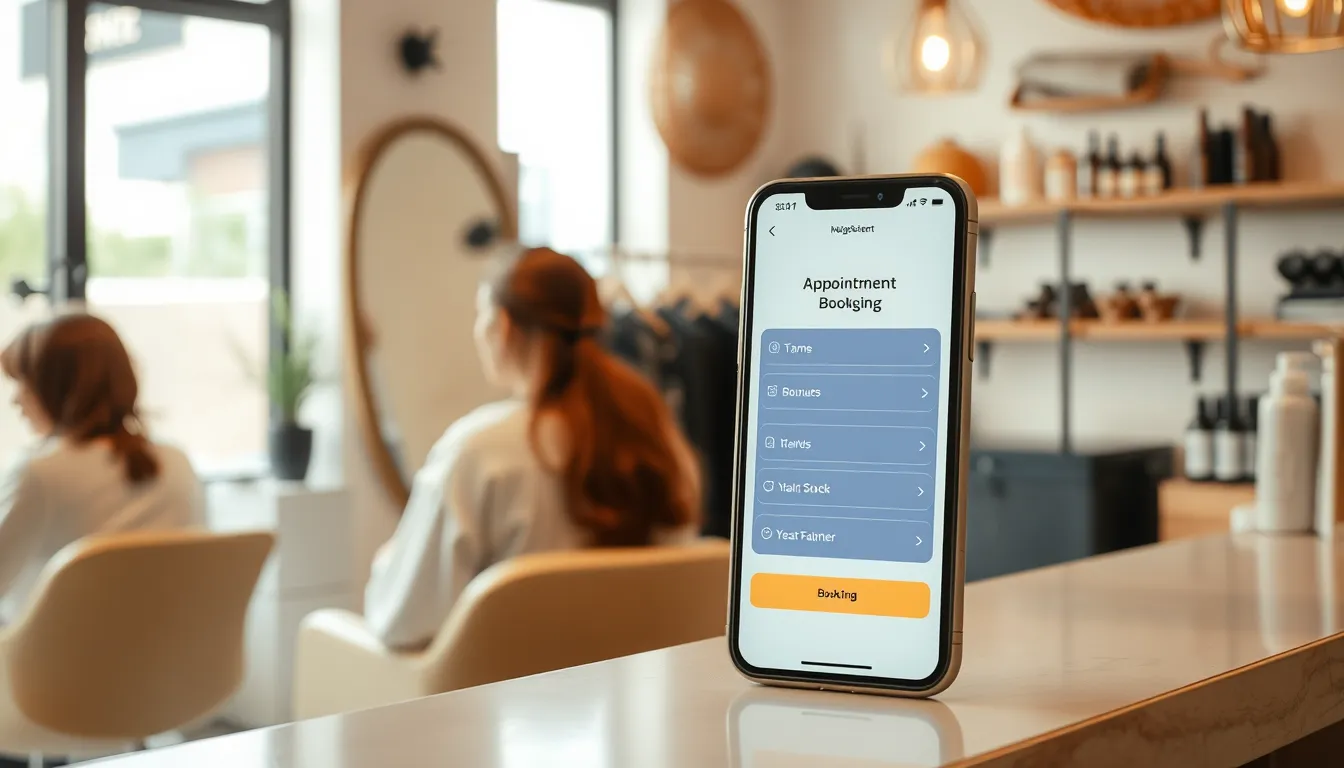
Lets clients book themselves — without friction. The best systems put the entire booking on one screen. Client picks a service, picks a time, picks who they want, and confirms. No app download. No account creation. Thirty seconds, done. That matters in Singapore, where clients are busy and used to fast digital experiences.
Sends reminders automatically. Email reminders are table stakes. For Singapore businesses, WhatsApp reminders land better — clients actually open them. Some booking systems support WhatsApp reminders through a bot bridge (DiaryPilot's Pro plan does this). The reminder goes out without you touching anything.
Manages your team's calendar, not just yours. If you have two or three staff members, you need a system that shows who's free, balances new bookings across the team when a client selects "any available", and lets each team member see their own day from their phone — without giving everyone access to your business settings.
Keeps client records in one place. Allergies, preferences, past visits, how much they've spent — this should be on your screen before you even say hello. A client who told you she's allergic to a particular product two visits ago should not have to say it again.
Handles the awkward stuff: no-shows, gaps, waitlists. No-show risk scoring — flagging bookings where the client has a history of cancelling last-minute — is more useful than it sounds. A managed waitlist that automatically offers freed-up slots to the next person is even better.
Features Worth Paying For vs. Features You Probably Don't Need
| Feature | Worth paying for | Nice-to-have | Skip if you're small |
|---|---|---|---|
| Self-serve booking link | Essential | — | — |
| Automated email reminders | Essential | — | — |
| WhatsApp reminders | Essential in SG | — | — |
| Client records (notes, history) | Essential | — | — |
| Waitlist management | Worth it | — | — |
| Multi-staff scheduling | Worth it if 2+ staff | — | — |
| No-show risk scoring | Worth it | — | — |
| Promo/compare-at pricing | Worth it for festive peaks | — | — |
| REST API / webhooks | Worth it if you want automation | — | Overkill for most |
| POS / inventory | — | — | Not a booking tool's job |
| Native mobile app | — | — | A good web app works fine |
The CNY period, Deepavali, and school holiday bursts are real pressure points for Singapore small businesses. Having promo pricing as an actual field — not a workaround you type into the service name — makes it easier to run first-visit offers or holiday bundles cleanly.
How to Think About Pricing
Most appointment booking systems in Singapore charge monthly. Here's how DiaryPilot's plans are structured in 2026:
- Starter — $49/month: Up to 2 team members. Unlimited services and bookings. Email reminders, client records, waitlist, coupons, team app and reports.
- Pro — $99/month: Up to 6 team members. Everything in Starter, plus WhatsApp reminders via bot bridge, an AI assistant, REST API and webhooks.
- Scale — $199/month: Unlimited team members and locations. Custom domain, priority support, onboarding help and data migration.
All plans come with a 30-day free trial. Month to month — cancel any time, export your data as a CSV.
The common objection is that $49 or $99 a month feels like a lot when business is quiet. Run the numbers on your own situation. If you have three no-shows a week at $80 each, that's $240 a week, more than a month of the Pro plan. That's an example, not a statistic — use your actual average booking value.
"But My Clients Just WhatsApp Me"
This is the most common hesitation, and it's worth taking seriously.
You don't have to stop using WhatsApp. Keep it for conversation — answering questions, handling special requests, building rapport. What you change is where the actual booking happens.
The practical approach: when a client messages asking for an appointment, reply with your booking link. They tap it, pick a slot, and confirm. You get a notification. They get a confirmation email with a link to reschedule or cancel if they need to. A reminder goes out automatically before the visit.
The WhatsApp conversation still happened. You just didn't have to manage the back-and-forth about times.
For businesses that get a high volume of enquiries outside business hours, DiaryPilot's REST API and webhooks also let a WhatsApp bot — such as Aureus Automation's SmartFAQ Assistant — book, reschedule and cancel for clients directly in chat.
Switching From an Existing Booking Tool — What It Actually Takes
Switching feels like a bigger task than it is. Here's a realistic picture:
- Recreate your services. Most businesses have between 5 and 20 services. With descriptions, durations, buffers and prices, expect two to four hours. Do it on a quiet afternoon.
- Import your clients. Export from your current tool as a CSV. Import it into DiaryPilot. Notes and history won't always transfer (depends what your old tool exports), but contact details and visit records usually will.
- Update your booking link. Change the link in your Instagram bio, Google Business Profile and wherever else it lives. If your old tool let you use a custom link, that redirect can be set up to point to your new page.
- Tell your team. DiaryPilot's team app runs on any phone, no app store required. Each team member logs in, sees their schedule, and marks appointments.
- Run both in parallel for one week if you're cautious. Most owners find they don't need to — but it's an option.
You don't need a weekend. You need an afternoon and a willingness to tidy up your service list while you're at it.
What Singapore Small Business Owners Often Overlook
A few things that come up once you've been using booking software for a few months:
- Buffer times matter more than you think. The gap between a 60-minute colour and the next client isn't negotiable. Build buffers into the system so it never double-books you.
- First-visit offers are easier to manage properly. A field specifically for first-visit pricing means the discount applies only once and shows up correctly on the booking summary — not as a manual discount you have to remember to apply.
- Client allergies up front on the client card are useful. The staff member doing the service sees the note before they start, not when they're already setting up.
- Reviews after the visit. Prompting clients to leave a review after they've just had a good experience is better timing than asking them cold. Some systems send a review nudge automatically.
The Right Tool Is the One You'll Actually Use
The best appointment booking software for your Singapore small business is not necessarily the one with the longest feature list. It's the one that fits how your team works today and doesn't require a week of training to set up.
For most independent salons, studios, coaches and service businesses with one to six staff, a clean booking link, automated reminders, a solid client record, and a sensible monthly fee covers everything that matters.
DiaryPilot is built in Singapore, data hosted in Singapore, and designed around the way small appointment-based businesses here actually run. If that fits what you need, start a free 30-day trial at diarypilot.com/signup — or see the booking flow as a client would at diarypilot.com/book/pageant-lashes.
Related reading
Frequently asked questions
What is the best appointment booking software for small businesses in Singapore?
The best fit depends on your team size and which features you'll actually use. For most small businesses in Singapore — salons, studios, coaches, pet groomers — the priorities are a frictionless client booking flow, automated WhatsApp or email reminders, and solid client records. DiaryPilot covers all of this and is built locally, with data hosted in Singapore.
Can I use a booking system and still let clients contact me on WhatsApp?
Yes. Keep WhatsApp for conversation and questions — that's where Singapore clients are comfortable. When they want to book, send your booking link. They pick a slot in about 30 seconds. You get notified, they get a confirmation, and reminders go out automatically. The two approaches work together, not against each other.
How much does appointment booking software cost in Singapore?
DiaryPilot's Starter plan is $49/month for up to 2 staff, Pro is $99/month for up to 6 staff with WhatsApp reminders and API access, and Scale is $199/month for unlimited staff and locations. All plans include a 30-day free trial.
How do I switch from my current booking tool without losing client data?
Export your client list from your current tool as a CSV and import it into the new system. Recreate your services — most businesses finish this in an afternoon. Update your booking link wherever it appears (Instagram bio, Google Business Profile, website). For most small businesses, the switch takes less than a day.
Does appointment booking software work for businesses with multiple staff?
Yes. Most systems handle multi-staff scheduling, letting clients choose a specific team member or select 'any available' to balance bookings across the team. Each staff member can view their own schedule from their phone without accessing your full business settings.
Will automated reminders actually reduce no-shows for my Singapore business?
Reminders help because clients forget, not because they intend to skip. An automated reminder sent the day before — via email or WhatsApp — gives clients time to reschedule rather than simply not showing up. A waitlist means that if they do cancel, the slot can fill automatically.