Online Booking System for Small Salons in Singapore
28 October 2026 · 7 min read
Why your WhatsApp inbox is not a booking system
If you run a small hair, nail, or lash studio in Singapore, you already know the drill. A client messages at 10 pm asking for Saturday at 2 pm. You're mid-colour on another client, so you reply at midnight. By morning they've booked elsewhere, or worse—they say yes and then don't show.
An online booking system for your small salon means clients book themselves, at any hour, from the link you put in your Instagram bio or your Google profile. You wake up to confirmed appointments, not a string of unanswered chats.
That is the core of what this guide covers: what to look for, what to avoid, and how to set one up without losing a weekend to it.
What a good online booking system actually does for a small salon
Not every booking tool is built with a one-to-four-person salon in mind. Many platforms charge per feature, bundle things you'll never use, or assume you have a front-desk admin. Here is what actually matters for a small operation:
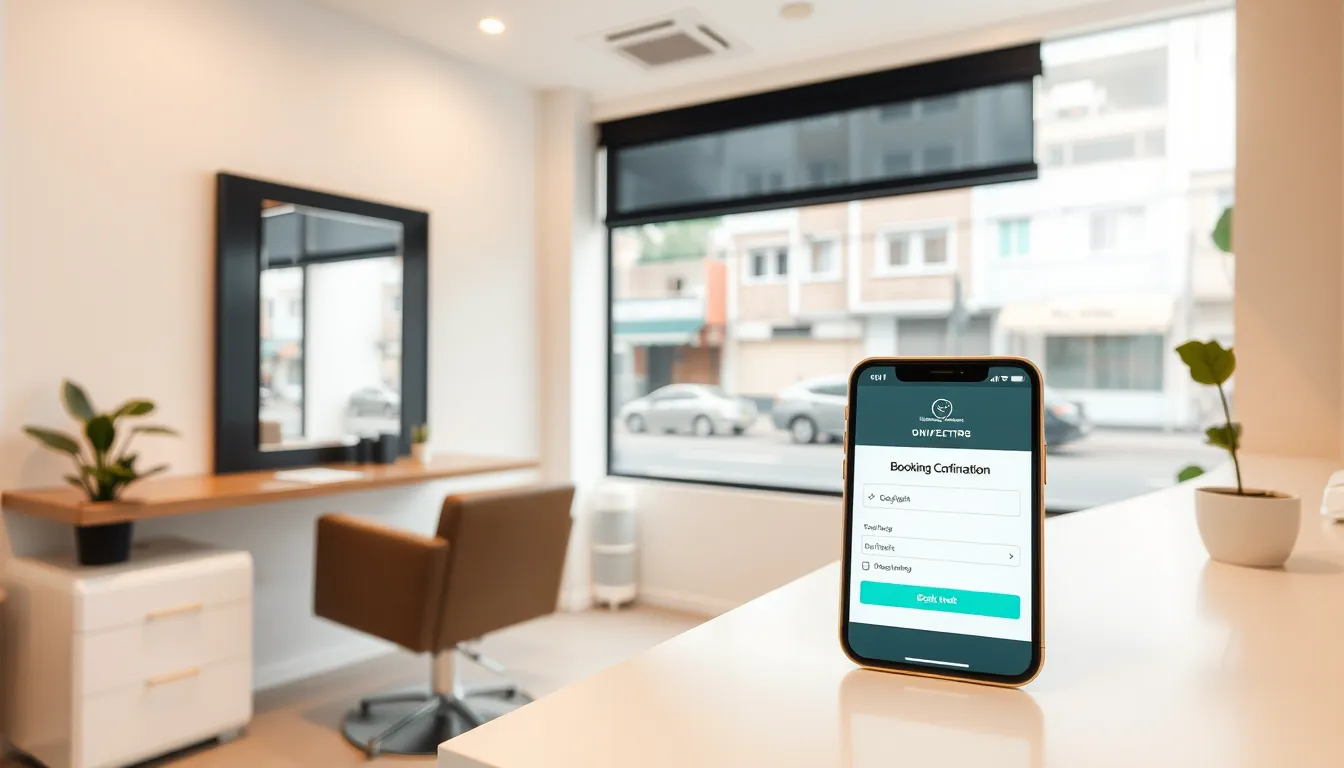
Clients book in under a minute. A one-screen flow with a live summary — service, stylist, date, time, price — is all they need. No app to download, no account to create. The booking link works on any phone.
Reminders go out automatically. A confirmation lands right after booking. A reminder goes out before the appointment. The client can reschedule or cancel directly from that link without messaging you. That alone cuts the back-and-forth by a significant amount.
No-show risk is visible before the day. A no-show risk score on each booking — based on factors like booking lead time and history — lets you decide whether to send an extra nudge or hold the slot differently.
Client details are stored properly. Allergy notes, colour preferences, visit history, and total spend in one place. When a junior stylist handles a client for the first time, they are not guessing.
Pricing is straightforward. You should be able to set a regular price, a compare-at (promo) price, and add-ons like a treatment or blow-dry — as real fields, not hacked into the service name.
The no-show problem: what it actually costs you
Before picking a tool, it helps to run the numbers on your own salon. Consider this example:
- Average service value: $80
- No-shows per week: 3
- Lost revenue per week: $240
- Over a month: roughly $960 gone
That is a made-up scenario — your numbers will differ. But work out your own version. Even one or two avoided no-shows a week changes the conversation about whether a $49-a-month booking system is worth it.
A waitlist feature helps too. When a slot frees up, the system automatically offers it to someone waiting. A freed 2pm Saturday slot on a festive weekend — think CNY or a school holiday — fills itself rather than sitting empty.
WhatsApp is not going away — and it shouldn't
Singapore clients talk to businesses over WhatsApp. That is not changing. The right approach is not to replace WhatsApp with a booking page; it is to use each for what it does well.
Keep WhatsApp for questions, photos of reference cuts, and relationship-building. For the actual booking, send the link:
"Hi, here's my booking page — pick a slot and it'll confirm you straight away: diarypilot.com/book/your-salon"
The client gets a confirmation instantly. You get the booking in your calendar without typing a single time slot. Reminders go out automatically. If they need to shift the appointment, they do it from the link — not by messaging you at 11pm.
On DiaryPilot's Pro plan, WhatsApp reminders can go out via a bot bridge, so appointment nudges land in the same app clients already use. And if you want a WhatsApp bot that can handle after-hours questions and booking requests entirely in chat, DiaryPilot's REST API and webhooks let a WhatsApp bot—including SmartFAQ Assistant, Aureus Automation's WhatsApp AI receptionist — book, reschedule and cancel for clients in chat.
Choosing the right plan for your salon size
Many booking tools bury the useful features behind expensive tiers. DiaryPilot keeps it simple. Here is how the plans map to typical small salon setups:
| Plan | Price (SGD/month) | Team size | Key features |
|---|---|---|---|
| Starter | $49 | Up to 2 members | Unlimited services and bookings, email reminders, client records, waitlist, coupons, team app, reports |
| Pro | $99 | Up to 6 members | Everything in Starter, plus WhatsApp reminders via bot bridge, AI assistant, REST API and webhooks |
| Scale | $199 | Unlimited members and locations | Everything in Pro, plus custom domain, priority support, onboarding and data migration help |
A solo stylist or a two-person nail studio fits Starter comfortably. A salon with three to six staff — stylists, a junior, maybe a receptionist — sits on Pro. Scale is for multi-outlet operations or salons that want a fully custom domain and hands-on migration support.
All plans come with a 30-day free trial. Month to month, cancel any time, and you can export your data as CSV whenever you want.
Setting up: it does not take a weekend
One objection salon owners raise is that switching booking tools, or moving from a paper diary, takes too long. In practice:
- Add your services. Set service name, duration, price, compare-at price if running a promo, and any add-ons. A typical salon catalogue — haircut, colour, treatment, blow-dry, a few add-ons — takes an afternoon.
- Import your clients. Export your existing client list as a CSV from wherever you keep it and upload it. Contact details, done.
- Share your link. Add it to your Instagram bio, your Google Business profile, and paste it into a WhatsApp message template you send to regulars.
- Let the reminders run. Configure when confirmations and reminder messages go out. After that, the system handles it.
If you are moving from another booking tool, DiaryPilot's Scale plan includes data migration help. On Starter or Pro, recreating services is the main task — client imports handle the rest.
First-visit clients and how to handle them
New clients are a different risk profile from regulars. They have no visit history with you, they found you on Instagram or Google, and they may or may not show. A few things help:
- First-visit offers. A discounted first service — set as a real promo price field, not a note in the service name — gives new clients a reason to book and you a way to track conversion.
- A clear cancellation window. State it in your booking confirmation message. "We hold your slot for you — if you need to cancel, please do so at least 24 hours before so we can offer it to someone else." Polite, practical, and clients respect it.
- No-show risk score. Check the score on new bookings with long lead times. An extra reminder a day before costs you nothing and recovers some of these slots.
For long or high-value services — a full highlight job, a keratin treatment — it is reasonable to communicate a cancellation policy upfront. Being clear about this in your booking page description sets the right expectation before the client confirms.
The AI assistant: useful, optional, never in the way
DiaryPilot's Pro plan includes an AI assistant that can answer questions about your own calendar and clients, and draft messages. If you want to check which stylist has the most availability next Saturday, or draft a message to clients who haven't visited in three months, you ask it.
It works entirely on your own data — not a generic chatbot. And if you prefer to keep things simple, switch it off. Everything else in the system runs the same.
Ready to stop losing evenings to booking messages?
An online booking system for your small salon in Singapore does not need to be complicated or expensive. It needs to fit how clients already behave — on their phones, on WhatsApp, booking at odd hours — and keep your calendar accurate without adding admin.
DiaryPilot is built in Singapore by Aureus Automation, with data hosted here, designed for exactly this kind of operation: a tight team, a full appointment book, and an owner who would rather spend the evening off the phone.
Start a free 30-day trial at diarypilot.com/signup, or see a live booking page in action at diarypilot.com/book/pageant-lashes.
Related reading
Frequently asked questions
How much does an online booking system cost for a small salon in Singapore?
DiaryPilot starts at $49 SGD per month for up to 2 team members, covering unlimited bookings, email reminders, client records, a waitlist, and reports. A 6-member Pro plan is $99/month. Both come with a 30-day free trial and no lock-in contract.
Can my clients still use WhatsApp to book?
Yes — keep WhatsApp for conversation, and send clients your booking link for the actual appointment. They book in under a minute, get an instant confirmation, and can reschedule from the link without messaging you. On the Pro plan, reminder messages can also be sent via WhatsApp through a bot bridge.
Will switching from my paper diary or existing tool take long?
Recreating your service menu typically takes an afternoon. Existing clients can be imported via CSV. If you're on DiaryPilot's Scale plan, data migration help is included. Your old booking link can redirect to the new page, so regular clients are not disrupted.
How does DiaryPilot help reduce no-shows?
Every booking carries a no-show risk score. Automated confirmation and reminder messages go out without you doing anything. Clients can reschedule from their confirmation link rather than just not showing up. A waitlist auto-fills freed slots so a cancellation doesn't leave a gap.
Does DiaryPilot work for a one-person salon?
Yes. The Starter plan at $49/month supports up to 2 team members and includes everything a solo operator needs: unlimited bookings, client records with allergy and preference notes, a waitlist, and email reminders. There's no minimum team size.
Is my client data stored in Singapore?
Yes. DiaryPilot is built by Aureus Automation Pte Ltd and all data is hosted in Singapore. You can export your client and booking data as a CSV at any time.